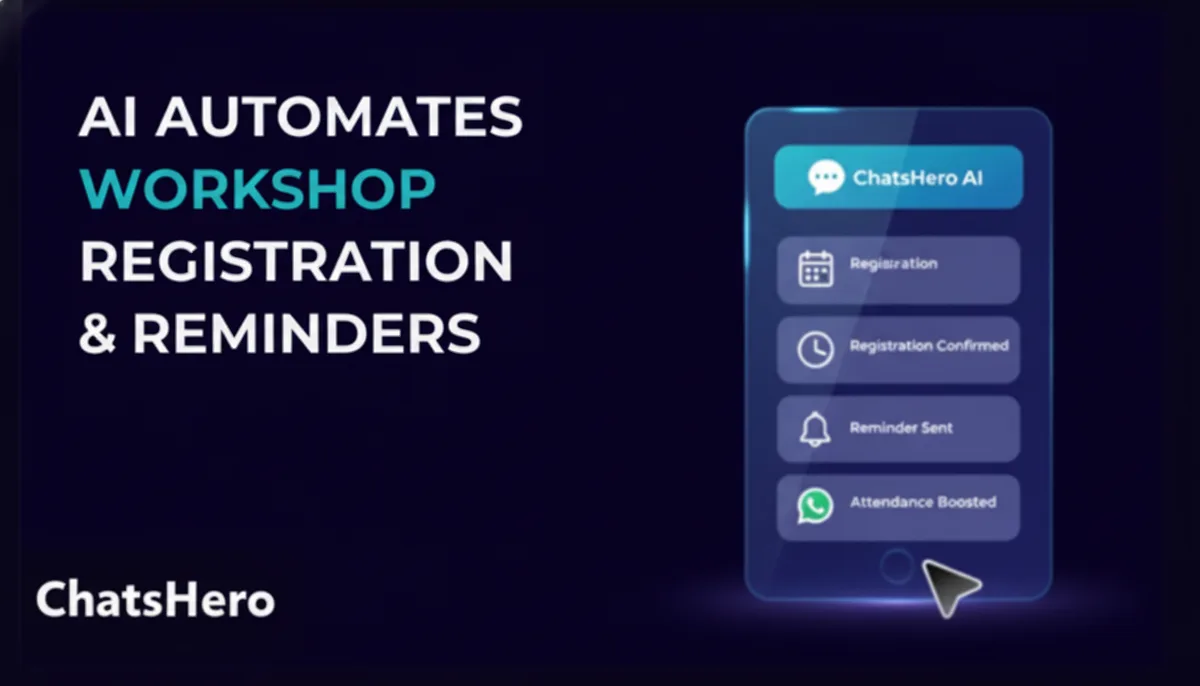
Workshop registration on WhatsApp works when an AI agent handles each step of the event timeline: answering questions, collecting attendee details, confirming payment, holding seats, sending reminders and filling cancelled places from a waitlist. The organiser keeps control of pricing, refunds and speaker matters, and sees a live headcount instead of a messy chat list.
- Most workshop sign-ups are lost in the gap between 'I am interested' and 'here is my payment', not at the ad.
- Run registration as a timeline: enquiry, registration, payment, reminders, event day and after-event follow-up.
- One agent per job keeps it clean: an enquiry agent, a registration agent, a reminder agent and a reporting agent.
- Payment proof arrives as screenshots, so the setup needs image understanding and a human check for unclear ones.
- A waitlist turns a late cancellation into a filled seat instead of an empty chair.
- Reminders must follow WhatsApp's template and opt-in rules, so plan the wording in advance.
Why does workshop registration on WhatsApp get messy so fast?
Workshop registration on WhatsApp gets messy because every attendee asks the same five questions in a different way, then sends details, payment and changes across several messages. A single organiser or small team ends up scrolling through hundreds of chats to answer 'am I registered?'
The pain is predictable. The ad or post says 'Workshop on Saturday, limited seats, WhatsApp to register'. Within an hour you have people asking the price, the location, whether lunch is included, whether a friend can join, whether it is in English or Chinese. By evening you have a long list of 'will pay later' and half a dozen unreadable transfer screenshots.
None of this is hard work, but it is endless. It is precisely the kind of repetitive, rule-based work that an AI team handles well, with a person watching the exceptions.
What does the full registration timeline look like?
The full timeline runs from the first ad to a post-event follow-up, and each stage has a different job for the AI and a different point where a human steps in.
| Stage | What attendees do | AI agent does | Human does |
|---|---|---|---|
| Enquiry | Ask price, date, venue, content, language | Answers from the event sheet, asks who is attending | Handles special requests and group deals |
| Registration | Give name, phone, company, dietary or other needs | Collects details, checks seat count, confirms | Decides on exceptions |
| Payment | Send a transfer screenshot or pay by link | Reads the proof, matches to the registration, marks status | Checks unclear or mismatched proofs |
| Reminders | Need venue, time, parking details | Sends a reminder a few days before and on the morning | Updates last-minute changes |
| Event day | Arrive, check in | Answers 'where do I park?', 'I am late', gives live headcount | Runs the check-in desk |
| After event | Want slides, certificates or next event | Sends the approved follow-up and next-event interest question | Decides what materials go out |
The point of the table is that the AI is useful at every stage, but not alone at any of them. The organiser decides policy, and the agent applies it consistently.
How do you set up workshop registration on WhatsApp, step by step?
You set it up by writing the event sheet first and the chat flow second. Most of the quality comes from the sheet.
- Write one event sheet per workshop. Title, date, time, venue with a map link, price, what is included, who it suits, language, seat limit and cancellation rule.
- List the ten questions people always ask. Pull them from your last event's chats. Add the answers.
- Decide what a complete registration is. Name, phone, company or role, number of seats, payment status. Keep it short.
- Decide the payment method. Bank transfer with proof, a payment link, or both. Say how fast confirmation follows.
- Set the seat count. The agent must know the limit and stop promising seats once it is reached, switching to the waitlist.
- Write the reminder messages. Draft them as approved templates and decide when they go.
- Test with awkward cases. Someone paying for three friends, someone asking for a refund, someone who registers twice.
What the conversation looks like
Hi, saw your post about the Saturday workshop. Still got seats?
Hi! Yes, there are seats left for Saturday. It runs 9am to 1pm at the venue in the post. The fee is RM___ per person and includes the materials. How many seats do you need?
2, me and my partner
Noted, 2 seats. Please send me both names and a contact number for each, and I will hold the seats while you make payment.
Wong Ah Beng 0123... and Siti 0124...
Thank you. Seats held for 24 hours. You can pay by bank transfer and send me the screenshot here, and I will confirm your registration.
Illustrative example. Fee left blank: it is an example for any organiser.
How should the agent handle payment screenshots?
The agent should read the screenshot, match it to a held seat, and pass anything uncertain to a person. Payment proof is where most registration errors happen, and where a quick human check is cheap insurance.
ChatsHero supports image understanding and AI receipt scanning, so a transfer screenshot can be read for the amount and reference and logged against the registration. Your organiser should still confirm against the bank statement for the final list, because an image alone is not proof that the money arrived.
- Amount matches, name matches: mark as 'paid, pending bank check'.
- Amount short or over: ask the attendee politely, and tell the organiser.
- Screenshot unclear or edited-looking: hand to a person.
- Payer is different from attendee: ask who the seat is for.
Our post on receipt scanning to Google Sheets shows how the data can land in a sheet you already use.
Want to see how this looks with your own business? WhatsApp us and chat with the ChatsHero AI.
What happens when the workshop is full or someone cancels?
When a workshop is full, the agent should take names for a waitlist, and when someone cancels it should offer the seat to the next person in order. This one rule fixes the common 'we were full but still had empty chairs' problem.
The waitlist needs three rules written down. How long does a waitlisted person have to accept an offered seat? Does the first person on the list get the offer first? Is payment due immediately? Once the rules exist, the agent applies them the same way each time, which also keeps you fair to attendees.
Say plainly in the chat that a waitlist spot is not a confirmed seat. Honest wording avoids angry messages on the day.
How should reminders work, and what are the rules?
Reminders should go out at two or three fixed points, and they must follow WhatsApp's rules for business messages. An attendee who has registered has started a relationship, but you should still use approved templates and respect opt-out requests.
A practical pattern is one message a few days before with the venue, parking and what to bring, and one on the morning with a map pin and a contact number. A quiet message the evening before can help for workshops where attendees often forget.
Understand how WhatsApp classifies messages before you write them. Our guide to WhatsApp message template categories explains the difference between utility and marketing messages, and Meta's own pricing page is the place to check charges. Keep promotions for your next workshop out of the reminder unless the attendee has opted in to hear about them.
What is different about running events in Malaysia?
Events in Malaysia come with local habits that the agent must know about. Writing them into the event sheet saves many repeated questions.
- Dietary and religious needs. Ask early about halal, vegetarian and other needs when lunch or tea is included.
- Language. A workshop might be in English, BM or Mandarin, and attendees will ask. State it in the first reply.
- Parking and directions. City venues often prompt parking questions. Put the answer in the sheet.
- Bring-a-friend registrations. One person often registers for several. Collect each attendee's name separately, or the headcount will be wrong.
- Late payment. 'I will transfer later' is common. A hold window with a clear deadline keeps seats moving.
- Certificates or attendance proof. Some professionals ask for these for their employers. State whether you provide one and in what form.
If your workshop is about a technical topic such as AI, expect a wide range of attendees, from business owners to students. A short question such as 'what would you like to learn?' at registration helps you shape the day and gives the follow-up agent something specific to refer to afterwards.
What should the organiser see during the sales period?
The organiser should see a simple live count: enquiries, seats held, seats paid, waitlist and no-response. A reporting agent can send this summary each morning to the organiser on WhatsApp.
This is what lets you decide, a week out, whether to push another ad, close registration or add a session. It also tells you which messages brought sign-ups, so your next promotion starts from evidence.
How would a ChatsHero AI Agent Office run a workshop?
ChatsHero, a Malaysian AI agent platform, builds an AI Agent Office around your event sheet. A receptionist agent answers the enquiry. A registration agent collects attendee details and holds seats. A booking agent manages seat counts and waitlists. A reminder and follow-up agent sends your approved reminders. A reporting agent sends you the daily count. Human staff keep refunds, group deals and exceptions.
The quickest check is a free 30-minute Zoom demo using your next workshop's details.
Frequently Asked Questions
Can WhatsApp handle workshop registration without a website?
Yes. With an AI agent collecting names, seat counts and payment proof in chat, you can run registration entirely on WhatsApp, and export the list to a sheet.
How does the AI know when the workshop is full?
You set the seat limit in the event sheet. The agent counts held and paid seats, and offers the waitlist once the limit is reached.
Can the AI confirm that payment has arrived?
It can read a transfer screenshot and match it to a registration, but a person should check the bank statement before the final list is locked.
Can I send reminders to everyone who registered?
Yes, using approved WhatsApp templates and following WhatsApp's opt-in and messaging policies. Keep reminders factual and avoid mixing in promotions.
Does this work for free events?
Yes. For free events the payment step is removed, and the agent focuses on registration, reminders and reducing no-shows, since people with nothing paid have less reason to turn up.