AI Handles Image & Voice Recognition : A Smarter AI Chatbot
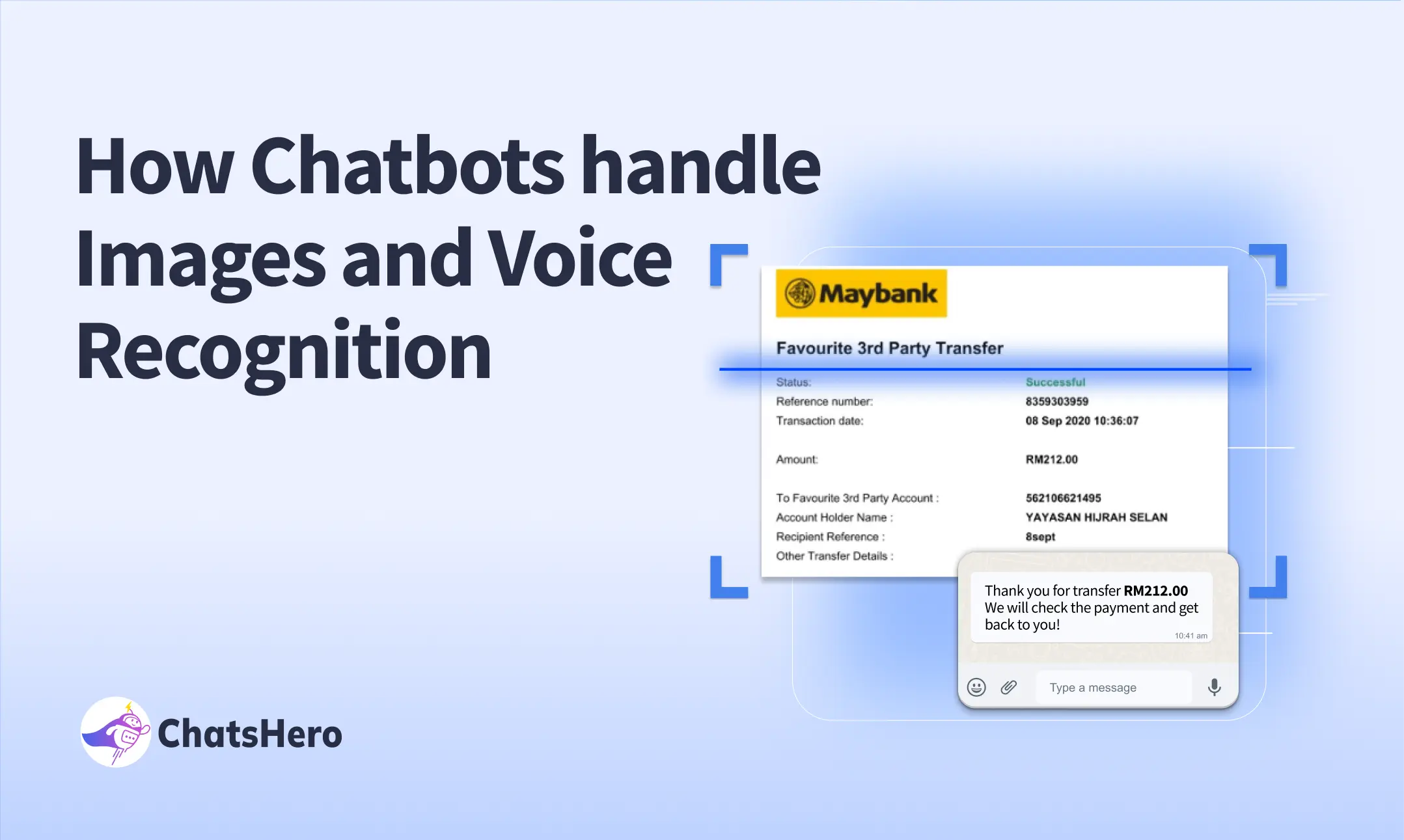
Chatbots have evolved far beyond text-based conversations. With advancements in artificial intelligence (AI), modern chatbots are now capable of processing image inputs and voice interactions, making digital communication more natural and versatile. From scanning receipts to understanding spoken language, this technology is transforming customer service, e-commerce, healthcare, and more. In this blog, we’ll explore how chatbots handle images and voice inputs, their benefits, and real-world applications.
The Rise of Multimodal Chatbots
A multimodal chatbot can interact using different types of inputs, including text, images, and voice. Unlike traditional bots, these advanced systems use AI models trained in natural language processing (NLP), computer vision, and speech recognition to deliver human-like responses.
Step by Step Chatbots Handle Image Inputs
Step 1: Image Recognition
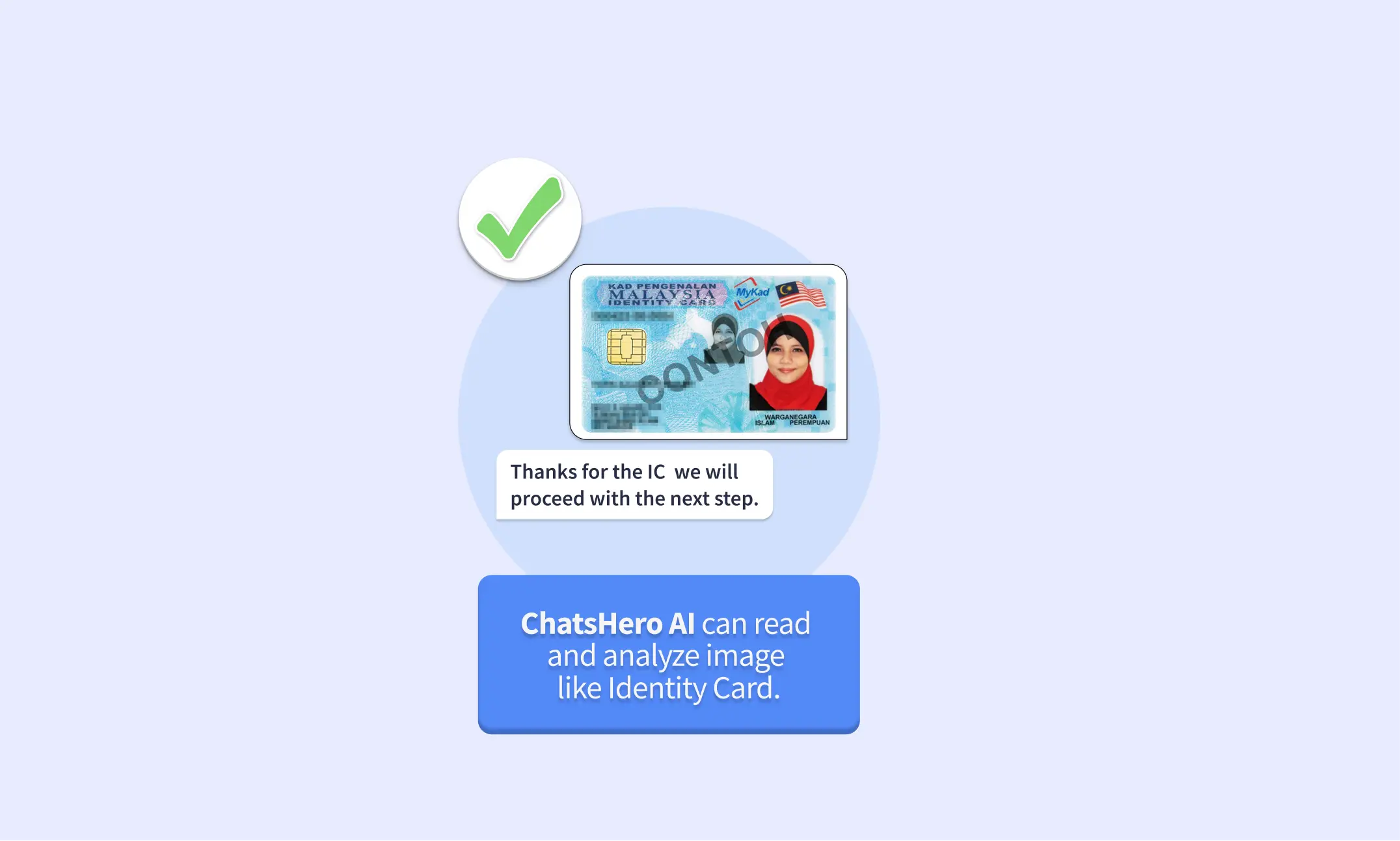
When a user uploads an image, the chatbot uses computer vision and optical character recognition (OCR) to detect objects, read text, or analyze visual details.
Step 2: Response Generation
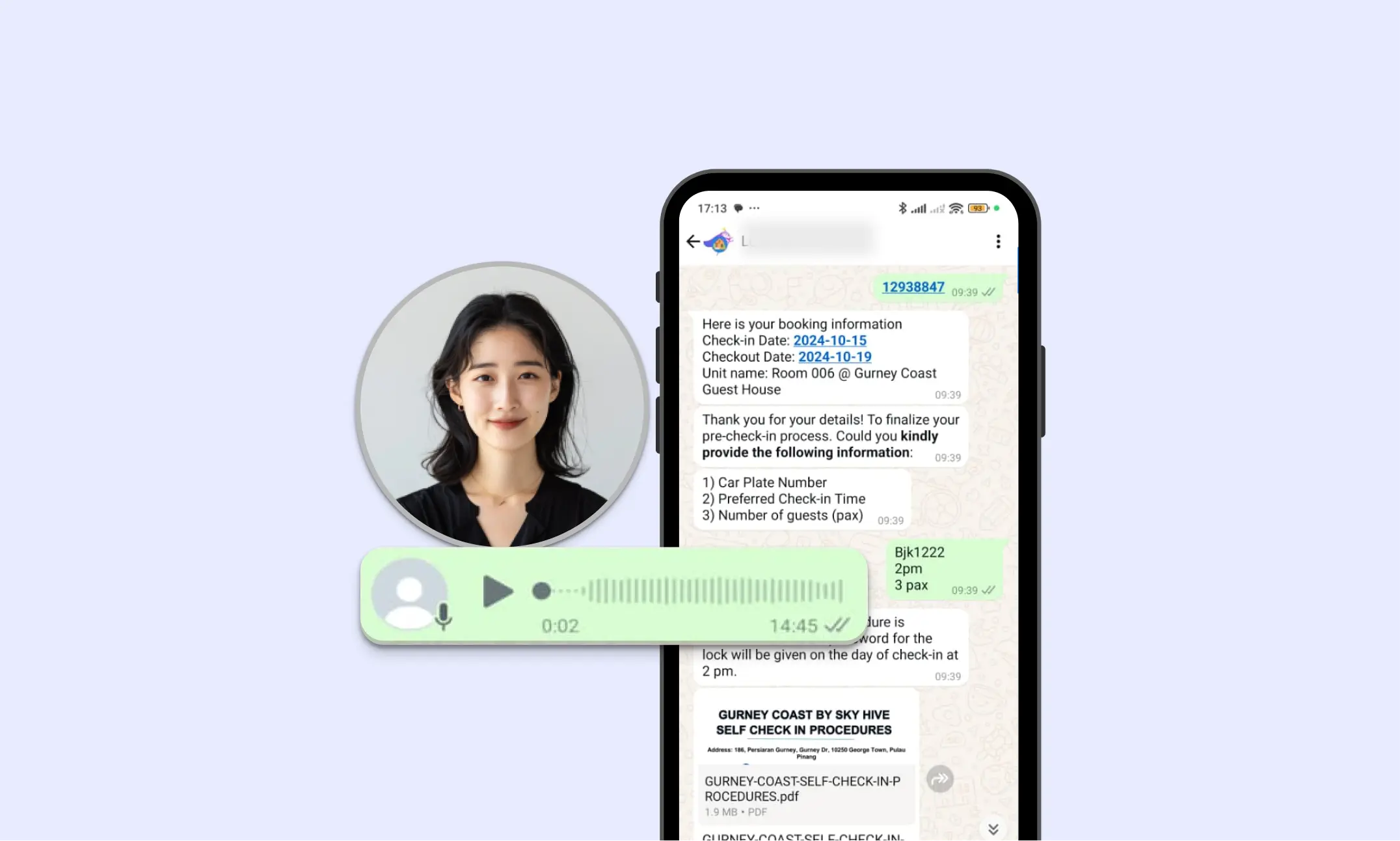
Once processed, the chatbot provides relevant responses or takes action.
Examples:
- An e-commerce chatbot identifies a product in a photo and shows similar catalog items.
- A banking chatbot reads numbers from a payment slip and fills out transaction details automatically.
How Chatbots Handle Voice Inputs
Step 1: Speech-to-Text Conversion
The chatbot uses automatic speech recognition (ASR) to convert spoken words into text.
Step 2: Intent Recognition
The converted text is analyzed with NLP to understand the user’s intent, tone, and context.
Step 3: Response Delivery
The chatbot either responds with text or converts its reply back into speech using text-to-speech (TTS) technology.
Benefits of Image and Voice-Enabled Chatbots
1. Accessibility – Makes digital services more inclusive for users who prefer voice over typing.
2. Speed & Convenience – Uploading an image or speaking a query is faster than typing long texts.
3. Accuracy – Reduces manual errors in data entry by scanning and extracting information automatically.
4. Personalization – Provides more natural, human-like interactions.
5. Cross-Industry Use Cases – Useful for retail, banking, healthcare, travel, insurance, and real estate.
Real-World Example
- Banking & Finance: Chatbots scan documents like utility bills or checks for faster transactions.
- Healthcare: Patients describe symptoms via voice, and the chatbot offers initial guidance.
This demonstrates how automation not only reduced costs but also improved customer response times by 70%, leading to higher satisfaction and repeat sales.
Conclusion
The future of customer engagement lies in multimodal chatbots that handle text, images, and voice seamlessly. By leveraging computer vision, speech recognition, and NLP, chatbots can deliver richer, more personalized, and more efficient interactions. Whether it’s scanning documents, analyzing photos, or understanding spoken requests, these advanced AI chatbots are redefining how businesses and customers communicate.
For businesses aiming to stay ahead, adopting image and voice-enabled chatbots isn’t just an upgrade—it’s a necessity for delivering next-generation customer experiences.
Frequently Asked Questions
1. What is an image and voice-enabled chatbot?
It’s a chatbot that understands not just text, but also images and voice. It uses AI tools like computer vision, OCR, and speech recognition to process visual and spoken inputs.
2. How does a chatbot handle image inputs?
When you upload an image, it scans it using computer vision and OCR to read text or detect objects—like extracting details from receipts, IDs, or product photos.
3. How does a chatbot handle voice inputs?
It converts speech to text using ASR, understands your intent with NLP, then replies through text or voice using text-to-speech.
4.Why should businesses adopt it?
It improves user experience, speeds up service, and reduces manual work—helping brands deliver smarter, more efficient support.
Further Reading
Want to learn more about automation for AI Chatbot? Check out these resources: