AI Solutions
WhatsApp Business with Multiple Users: Complete Guide
WhatsApp Business Multiple Users: A complete guide to managing WhatsApp teams and using WhatsApp for your business effectively.
In today’s fast-paced digital landscape, AI WhatsApp Business has become a vital tool for customer communication. As your team grows, managing multiple conversations can become complex. Therefore,this guide shows you how to transform WhatsApp into a multi-user powerhouse using the ChatsHero platform.
In addition, if you're a micro-enterprise, SME, or scaling startup, this guide will show you how to unlock automation, AI assistance, and cross-platform control — all with ChatsHero.
Option 1: WhatsApp Business App (Up to 5 Devices)
The basic version of the App works well for small businesses starting out. Here's what you get:
If your team needs more flexibility, you can upgrade to premium features:
| Feature | WhatsApp Business | WhatsApp Business Premium |
|---|---|---|
| Max Devices | 5 | 10 |
| Name Linked Devices | ✅ | ✅ |
| Assign Chats to Team Members | ❌ | ✅ |
| View Which Agent Replied | ❌ | ✅ |
⚠️ Note: Premium is currently available only to Android users in selected countries.
Limitations of WhatsApp Business App
ChatsHero: Your All-in-One WhatsApp Business Platform for Teams
ChatsHero bridges the gap for growing businesses by providing a scalable, AI WhatsApp Business experience and it is built for teams.
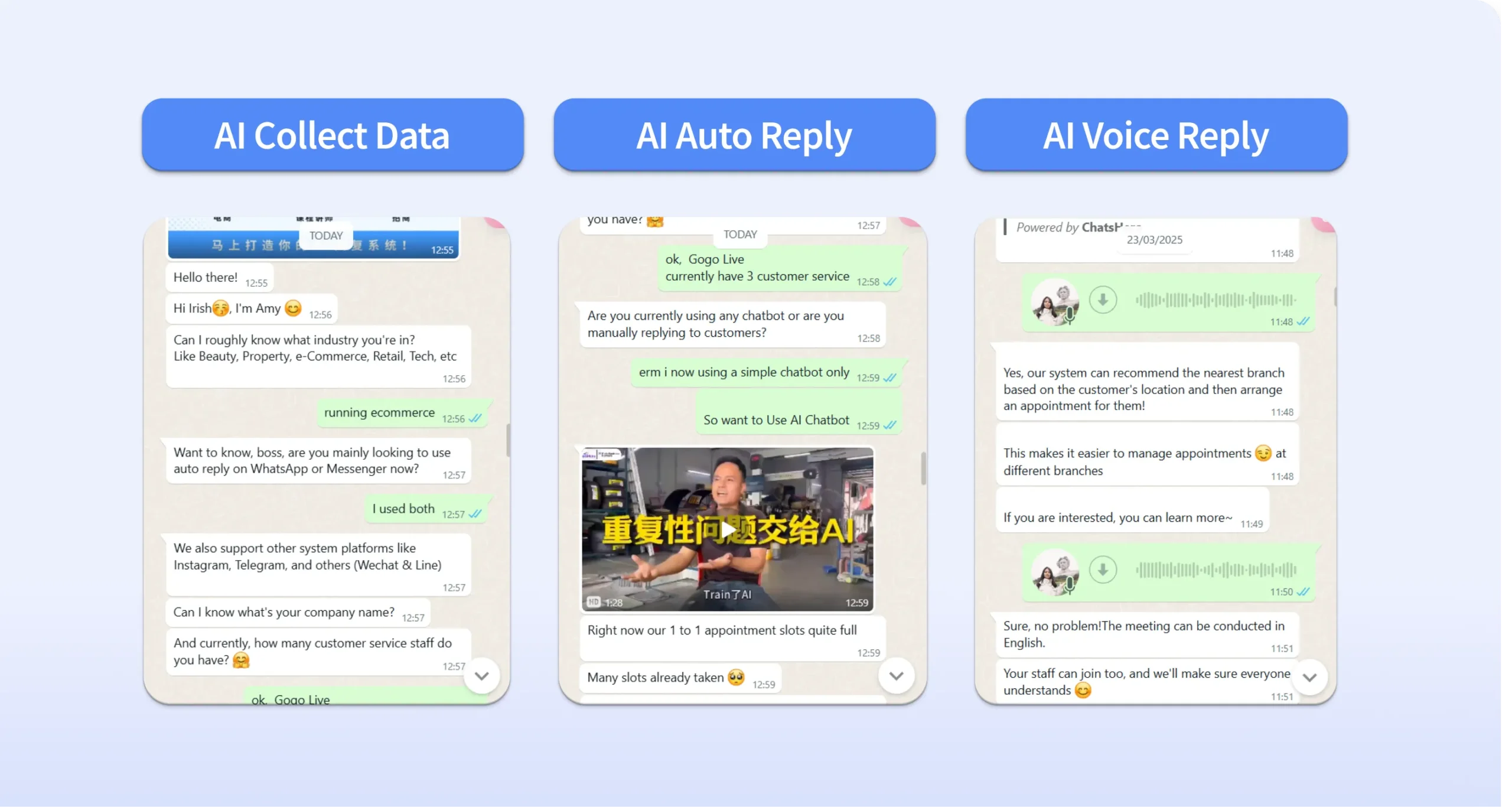
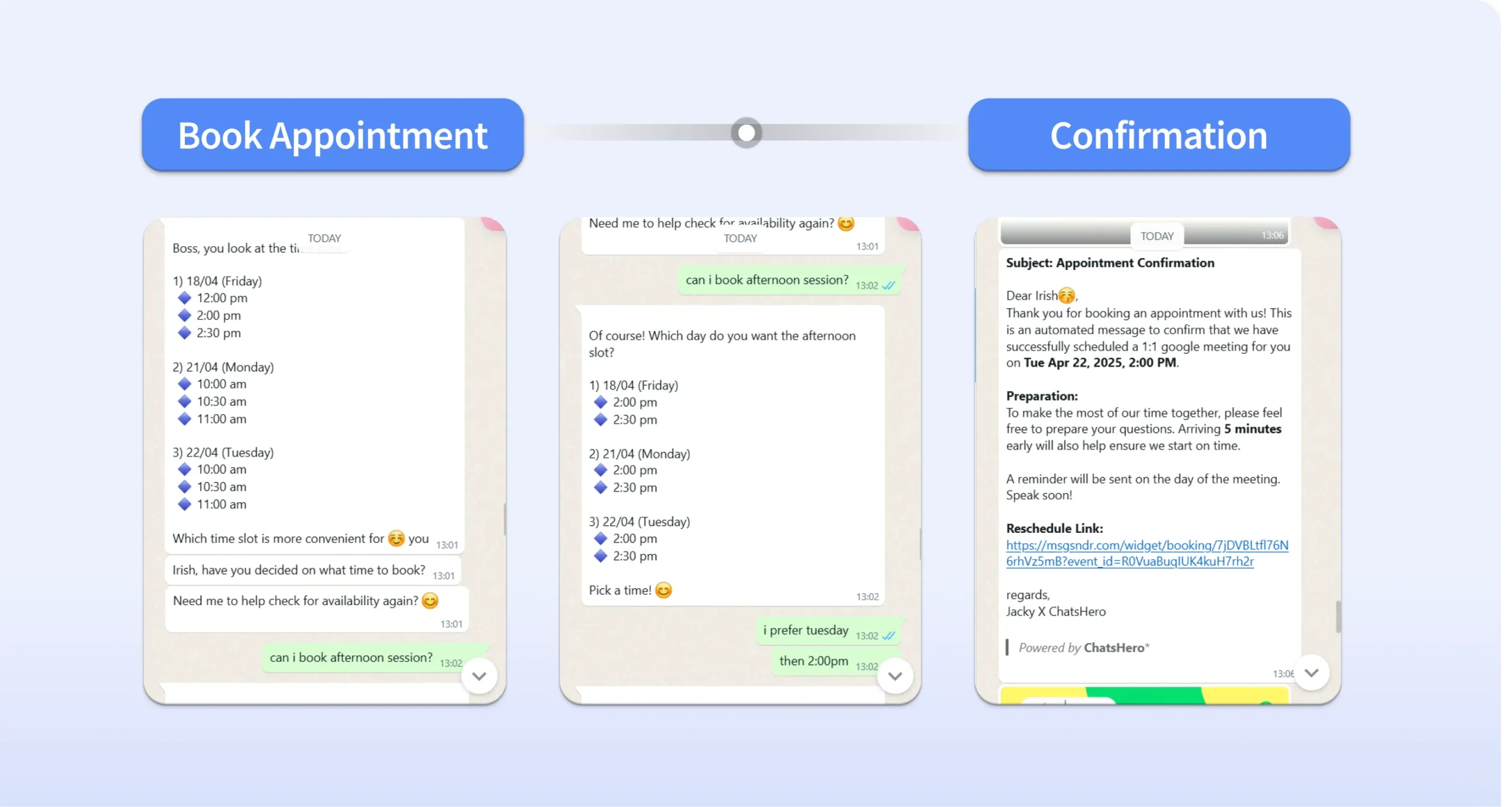
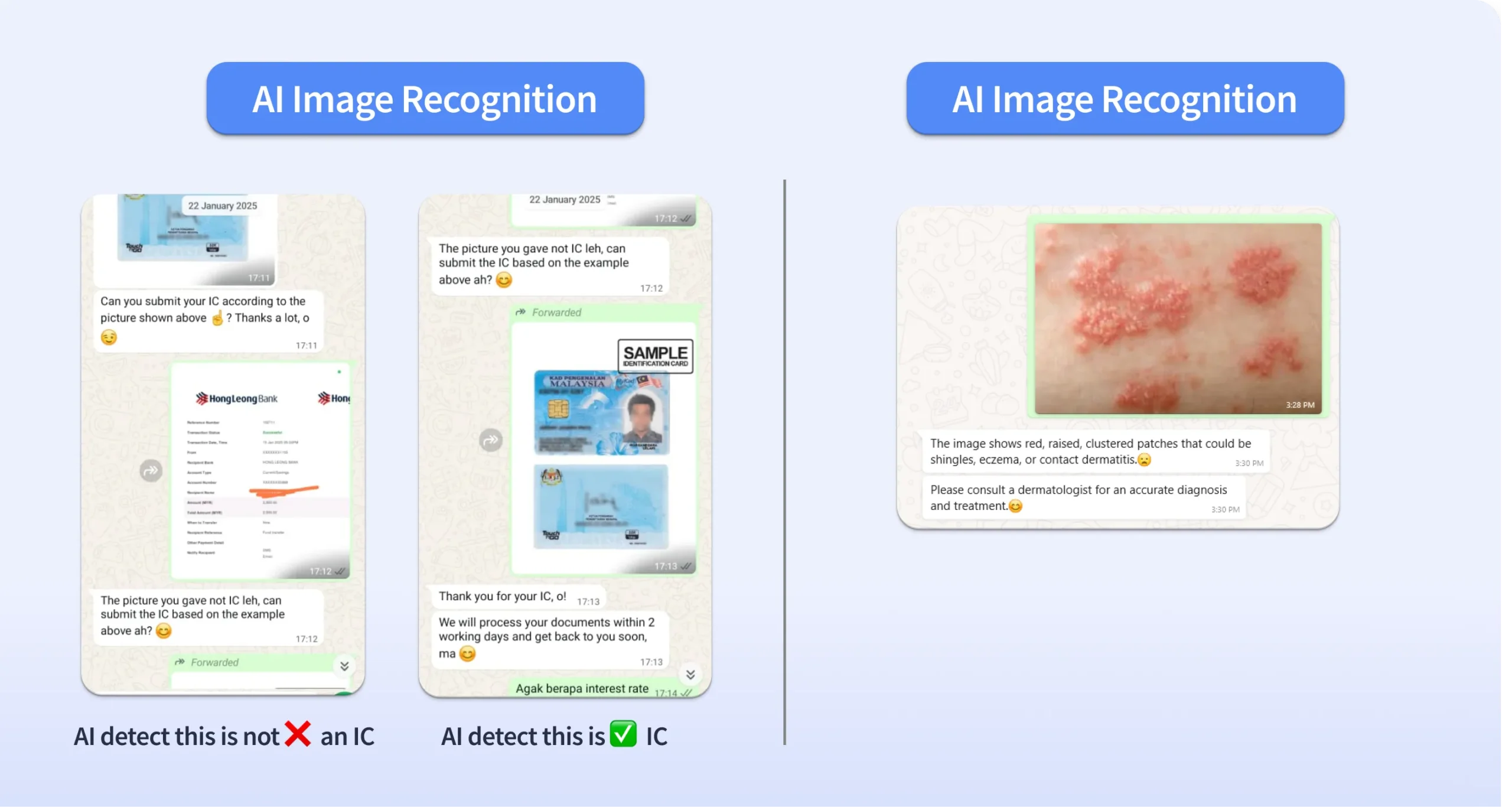
Top 12 AI-Powered Features of ChatsHero
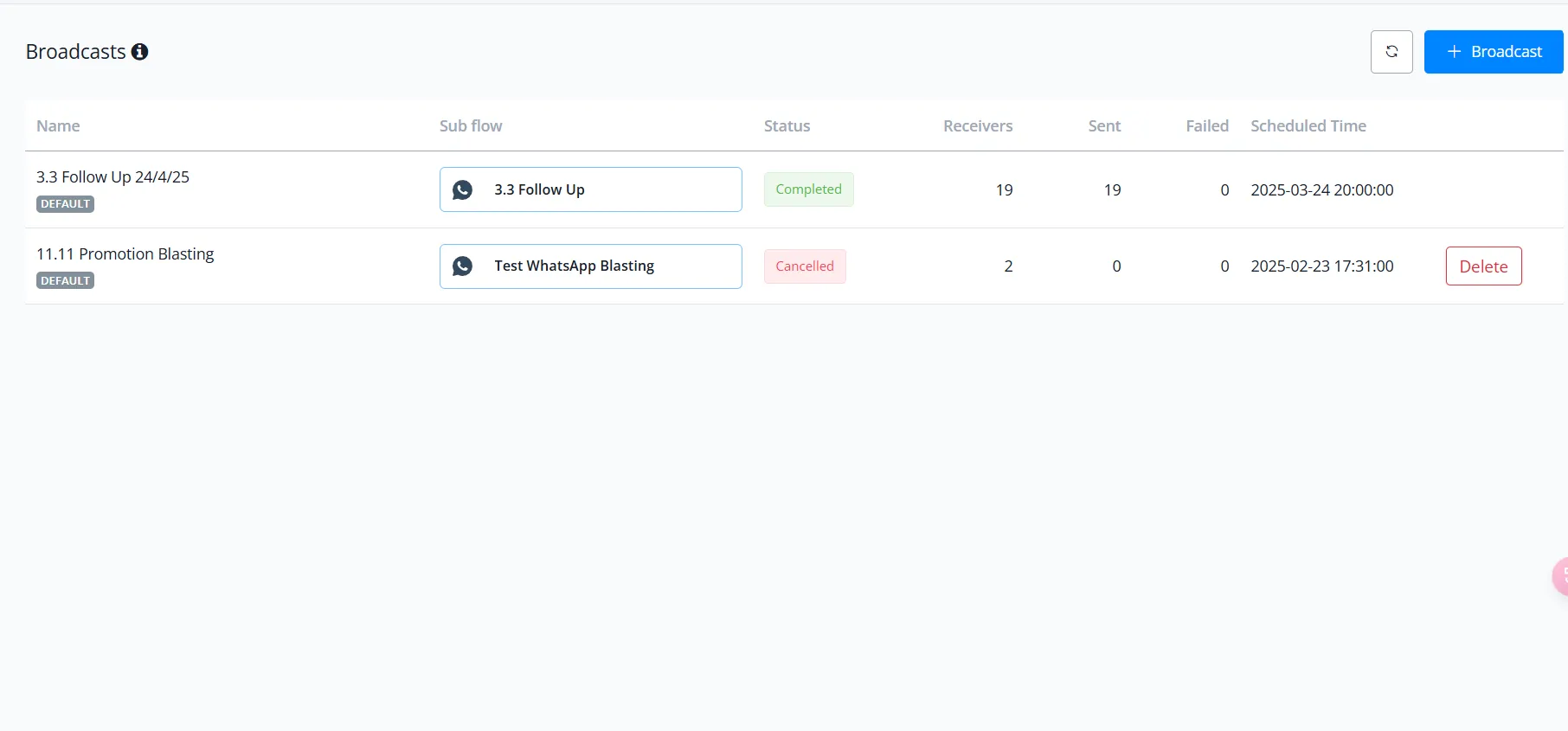
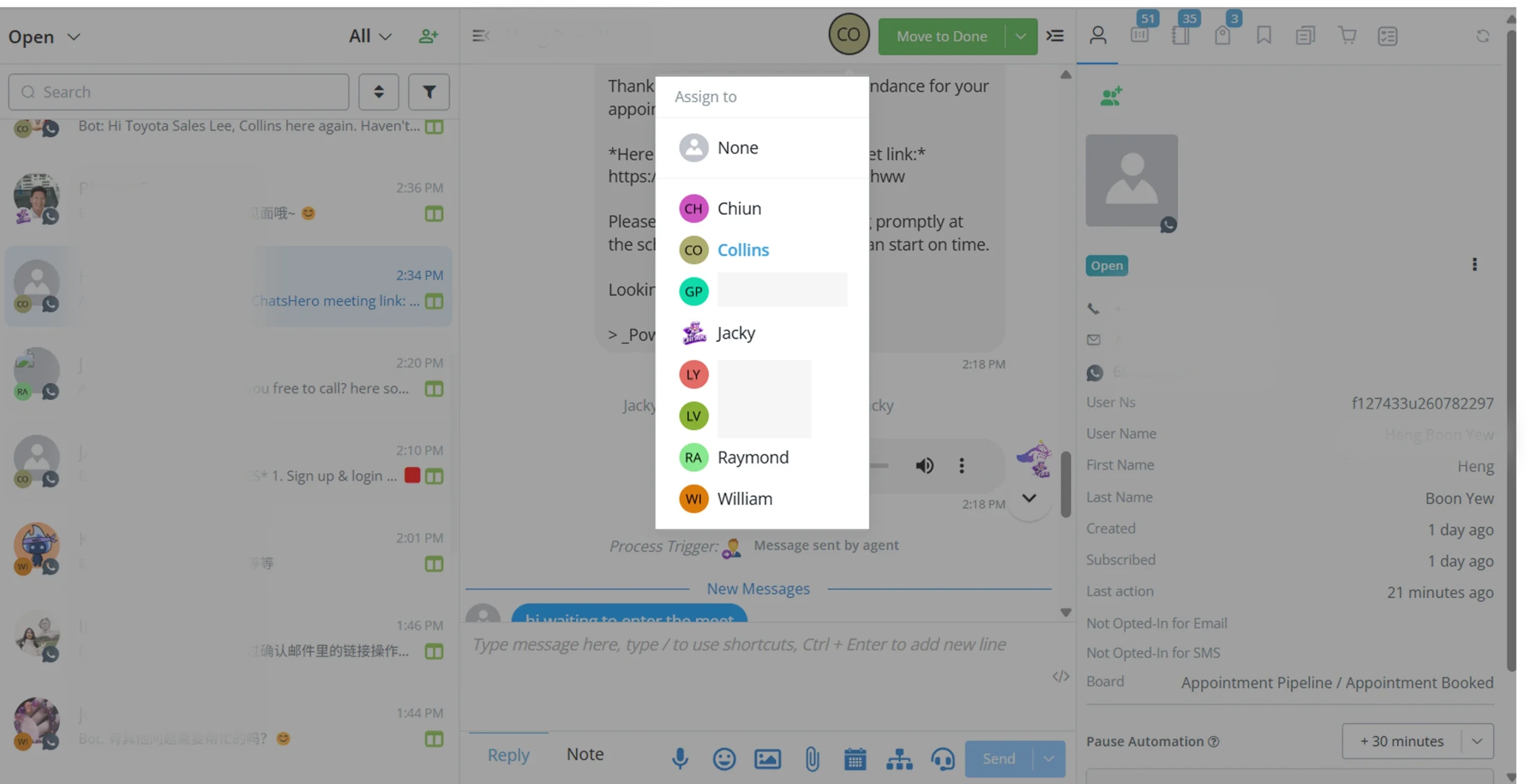
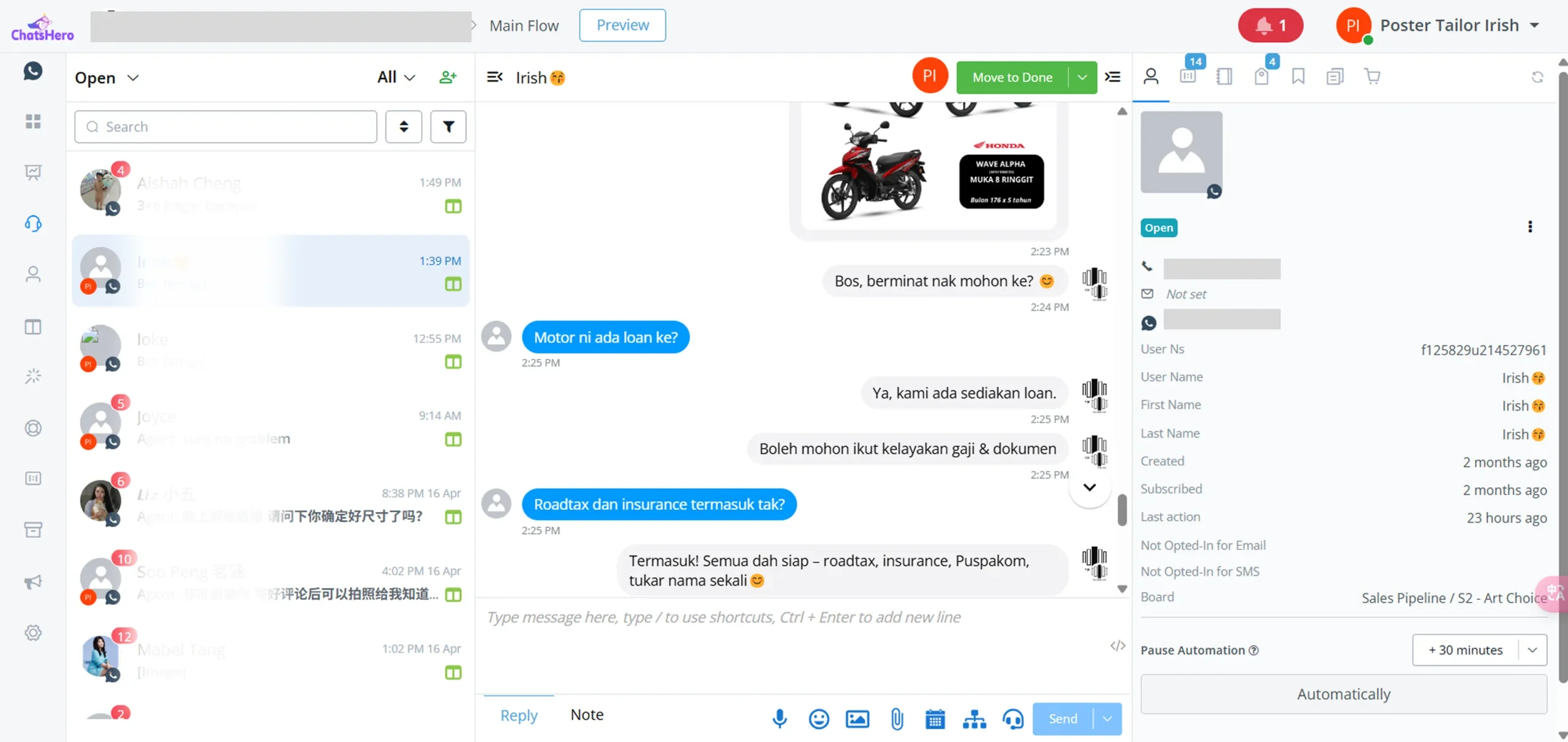
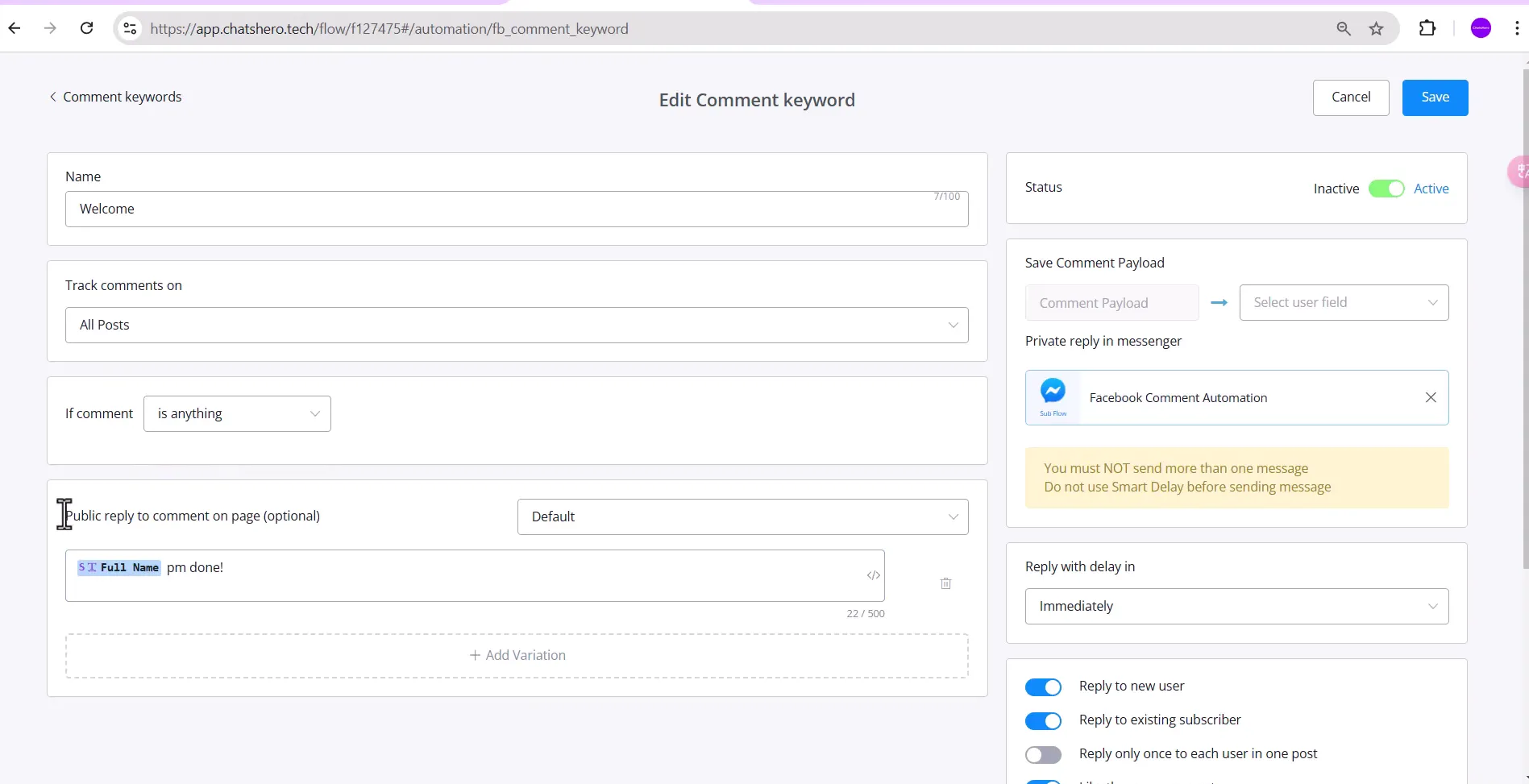
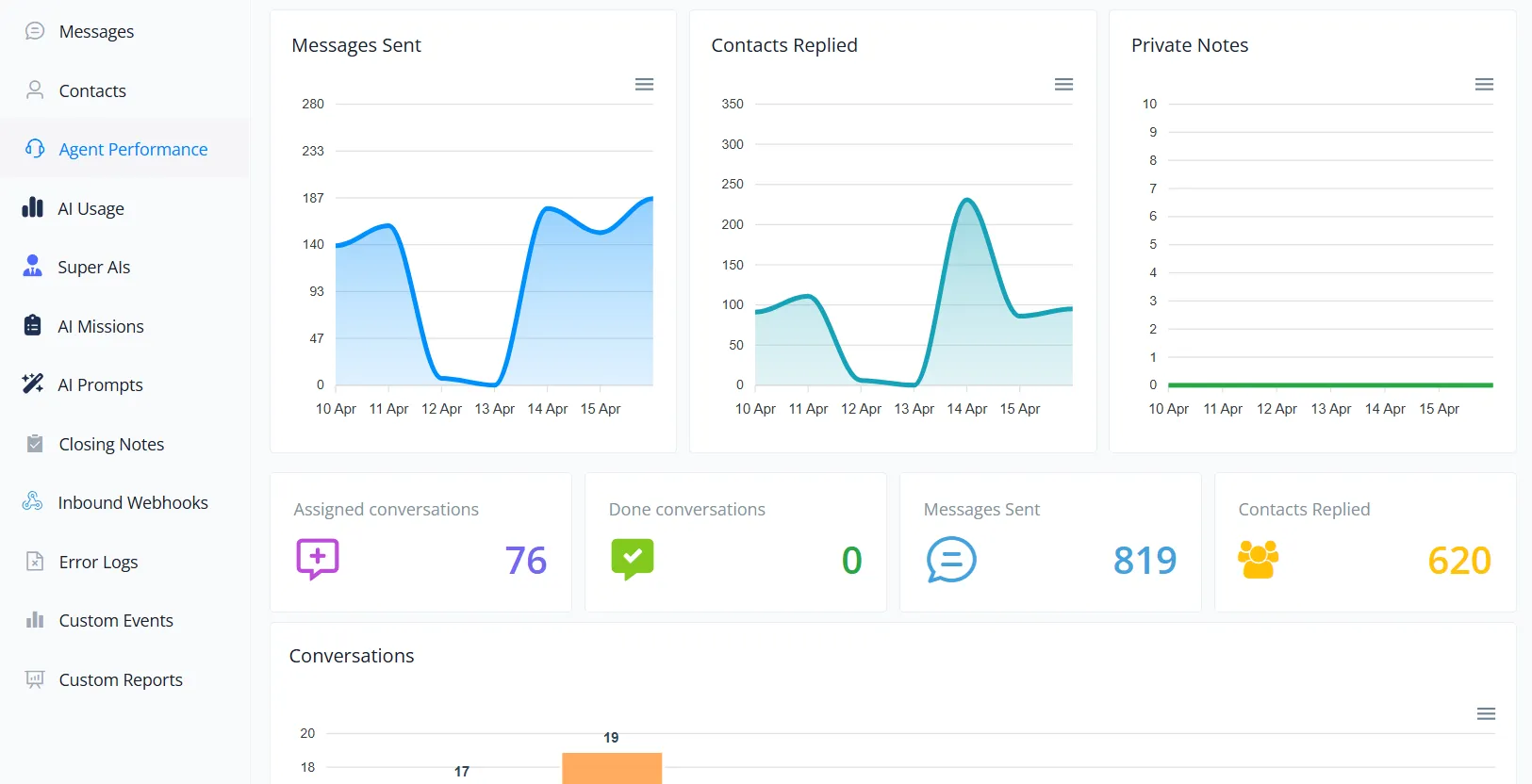
Getting Started with WhatsApp Business for Teams
For Growing Teams:
Ready to Scale Your Customer Communication?
Don’t let limitations hold your business back. Whether you have 2 or 200 team members, ChatsHero gives you the power to scale, automate, and convert WhatsApp chats into real customer relationships.
Start Your AI Chatbots With ChatsHero Today!
10,000+ Merchants Have Joined ChatsHero
Book a free demo
Frequently Asked Questions
Is WhatsApp Business for multiple users free?
The WhatsApp Business App allows free usage on up to five devices. If you need WhatsApp on up to 10 devices, you can subscribe to WhatsApp Premium. For more than 10 users, WhatsApp API is the solution, but it comes with conversation-based pricing and additional software costs.
Can I use WhatsApp Business on two phones?
No, upon it supports up to five devices, including four linked devices and one phone per account. However, it cannot be used on two phones simultaneously.
How to use WhatsApp Business on multiple devices?
To set up the Business version on multiple devices:
- Open the App on your primary phone.
- Tap the More Options menu (three vertical dots) in the top-right corner.
- Select Linked Devices.
- Choose 'Link a Device'.
- Scan the QR code displayed on the device you want to link.
What happens to my message history when switching devices?
Your previous messages won't transfer automatically due to WhatsApp’s security rules. However, once the new device is linked, some recent messages may sync and become accessible.
Is my data secure when using WhatsApp Business on multiple devices?
Yes,it is still maintains end-to-end encryption for your chats, ensuring privacy even when accessed from multiple devices. This guarantees that your messages and business information are safe and cannot be read by unauthorized parties.
Further Reading
Did you find this article useful? We suggest you read these articles to learn more about WhatsApp.