WhatsApp Guides
WhatsApp Follow-Up Rules: Avoid Spam and Blocks
A practical guide for Malaysian businesses on WhatsApp opt-in, relevant follow-up, customer opt-out and why the App and API both require high-quality messaging.
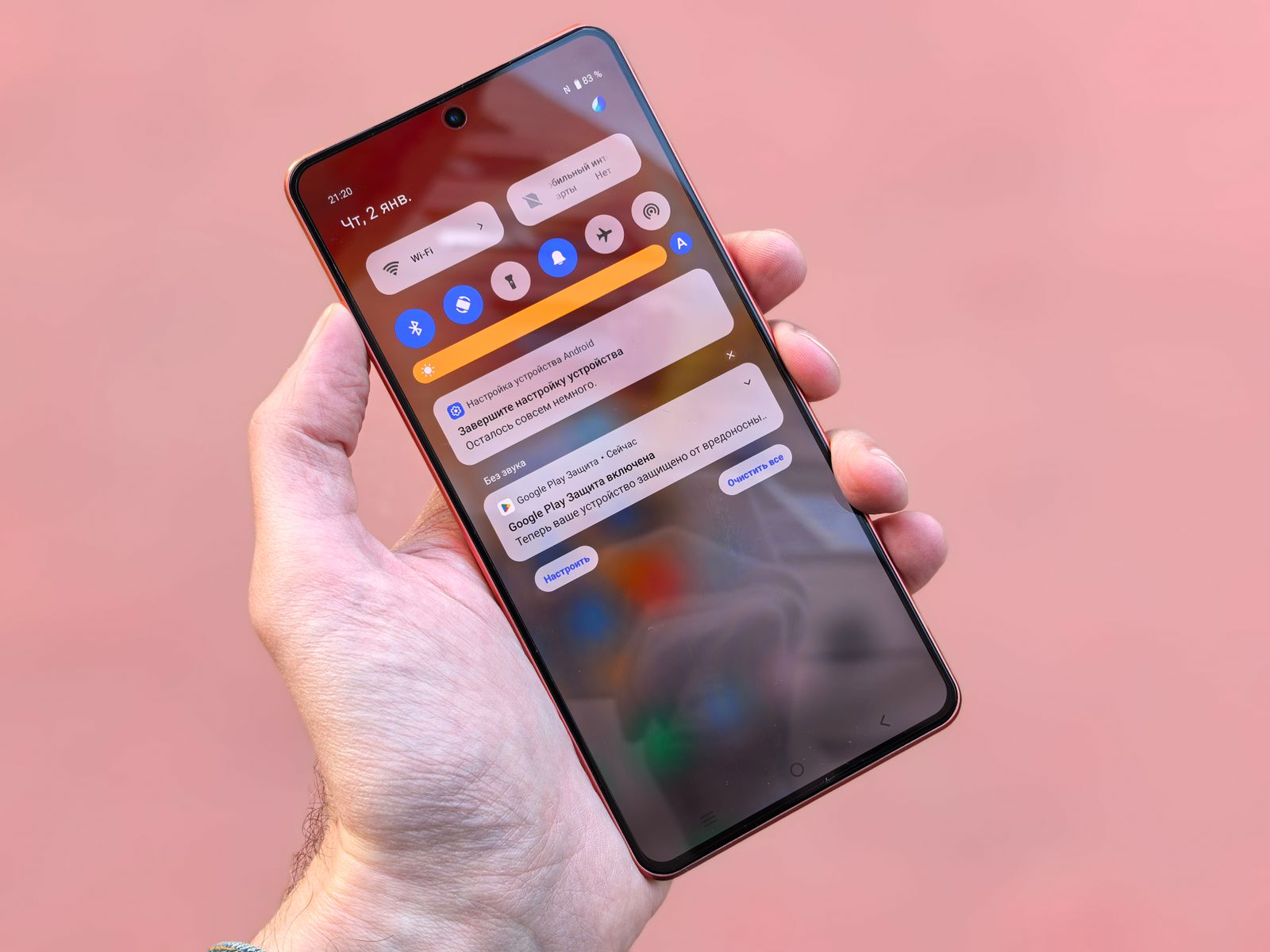
Illustrative notification image by Andrey Matveev via Pexels; it is not an actual WhatsApp restriction screen.
The safest WhatsApp follow-up is expected, relevant and easy to stop. Whether a business uses the WhatsApp Business App or the WhatsApp Business Platform/API, the same core rule applies: do not surprise people with cold outreach, repeat messages after silence or make it difficult to opt out. A better workflow protects the customer experience and gives the team a clearer process to follow.
Can a WhatsApp Business account be restricted for follow-up or blasting?
Yes, there is risk when messages are unwanted or violate policy. WhatsApp says people can block or report businesses, and sustained low quality can lead to limits on the messages a business can send or calls it can initiate. Significant negative feedback or policy violations can also lead to restricted or removed access. This is why a business should treat message quality as an operational responsibility, not just a marketing metric.
Do not cold blast phone-number lists
Having a prospect's mobile number is not the same as having permission to send WhatsApp messages. WhatsApp's Business Messaging Policy says a business may contact people only when they have provided their number and opted in to receive subsequent messages or calls. Keep a clear record of where the opt-in came from, what the customer expected to receive and the business identity they agreed to hear from.
For example, a form can explain that the customer will receive WhatsApp updates about a requested quotation, appointment or product category. That does not automatically create permission for unrelated promotions later. When the campaign purpose changes, review the consent and customer expectation before sending.
Follow up without looking like spam
No → do not message.
No → do not send it.
Yes → send a clear update.
Yes → stop messaging.
There is no universal number of follow-ups that is automatically safe. Relevance, expectation, timing and customer feedback matter more than a fixed sequence. If a customer blocks, reports or opts out, stop messaging and investigate the audience rule, message content and consent record instead of moving the campaign to another number.
What changes when you use the API?
The API can give a business a more disciplined workflow: named owners for conversations, templates where required, an approval process, shared context and a record of what was sent. Under WhatsApp's current Business Messaging Policy, businesses using the Platform may initiate conversations only with an approved message template. The policy also describes a 24-hour customer-service window for replies after a customer message. Check current official documentation before configuring a live flow because rules and pricing can change.
A simple compliant follow-up workflow
- Record the opt-in. Keep the source, customer expectation, message category and date available to the responsible team.
- Match the message to the reason. A follow-up should relate to the customer's request, purchase, booking or stated interest.
- Use one clear next step. Give the customer a useful choice, such as reply, book, ask for a person or opt out.
- Route replies to an owner. Sales, support, complaints and data requests should not disappear into a send-only campaign.
- Review negative signals. Treat blocks, reports, opt-outs and repeat complaints as quality feedback that needs action.
What to do if message quality is declining
Pause the affected campaign first. Review the opt-in wording, audience selection, message category, frequency, customer feedback and the handover route. Do not try to solve the problem by repeatedly changing numbers or resending the same promotion. If access is restricted, use the current official appeal and enforcement guidance for the relevant WhatsApp business product.
Frequently asked questions
Does the WhatsApp API stop an account from being banned?
No. The API can improve business controls, but it does not remove policy, consent or message-quality obligations. Both the App and Platform are subject to WhatsApp's Business Messaging Policy.
Can I message cold leads if I have their phone numbers?
Not simply because you have a number. Obtain the appropriate WhatsApp opt-in and make the communication expected before contacting a person on WhatsApp.
How many times can I follow up on WhatsApp?
There is no universal safe number. Send only when the message remains useful and expected. Stop when a customer opts out, blocks, reports or makes it clear they do not want further contact.
Can a business use automation after a customer messages first?
Automation can support a customer-service response, but it should provide clear escalation to a person and follow current policy and account requirements.
What should we do after a campaign receives negative feedback?
Pause the campaign, review consent and message relevance, honor opt-outs, and correct the workflow before sending further messages.