AI Solution
How to Set Up an AI Chatbot for Your Business in Malaysia: Step-by-Step Guide
How to Set Up an AI Chatbot for Your Business in Malaysia: Step-by-Step Guide
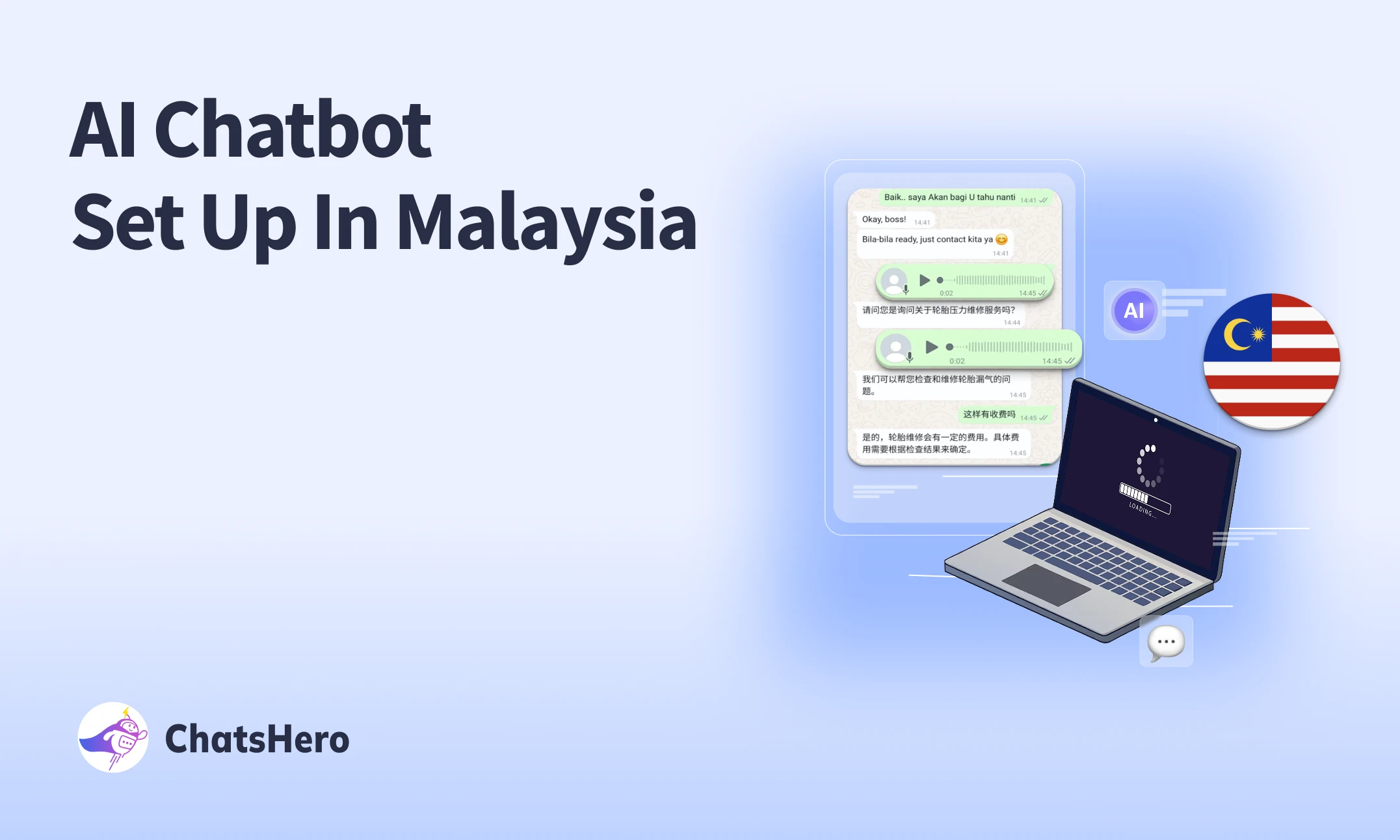
In the digital-first world, chatbots have become essential tools for businesses in Malaysia looking to provide faster customer service, automate responses, and boost engagement across platforms like WhatsApp, Facebook Messenger, and websites. Whether you're running an SME, an online store, or a service-based business, setting up a chatbot can help streamline communication and drive conversions.
Here’s a detailed, step-by-step guide on how to set up a chatbot in Malaysia—from planning to deployment.
What is an AI Chatbot?
An AI chatbot is a software application that simulates human conversation via text or voice. Powered by AI or rule-based flows, chatbots can answer FAQs, take bookings, process orders, or even qualify leads—24/7, across multiple channels.
Why Businesses in Malaysia Need AI Chatbots?
- 24/7 response to customer queries
- Integration with WhatsApp & Messenger (widely used locally)
- Increase in online engagement and lead generation
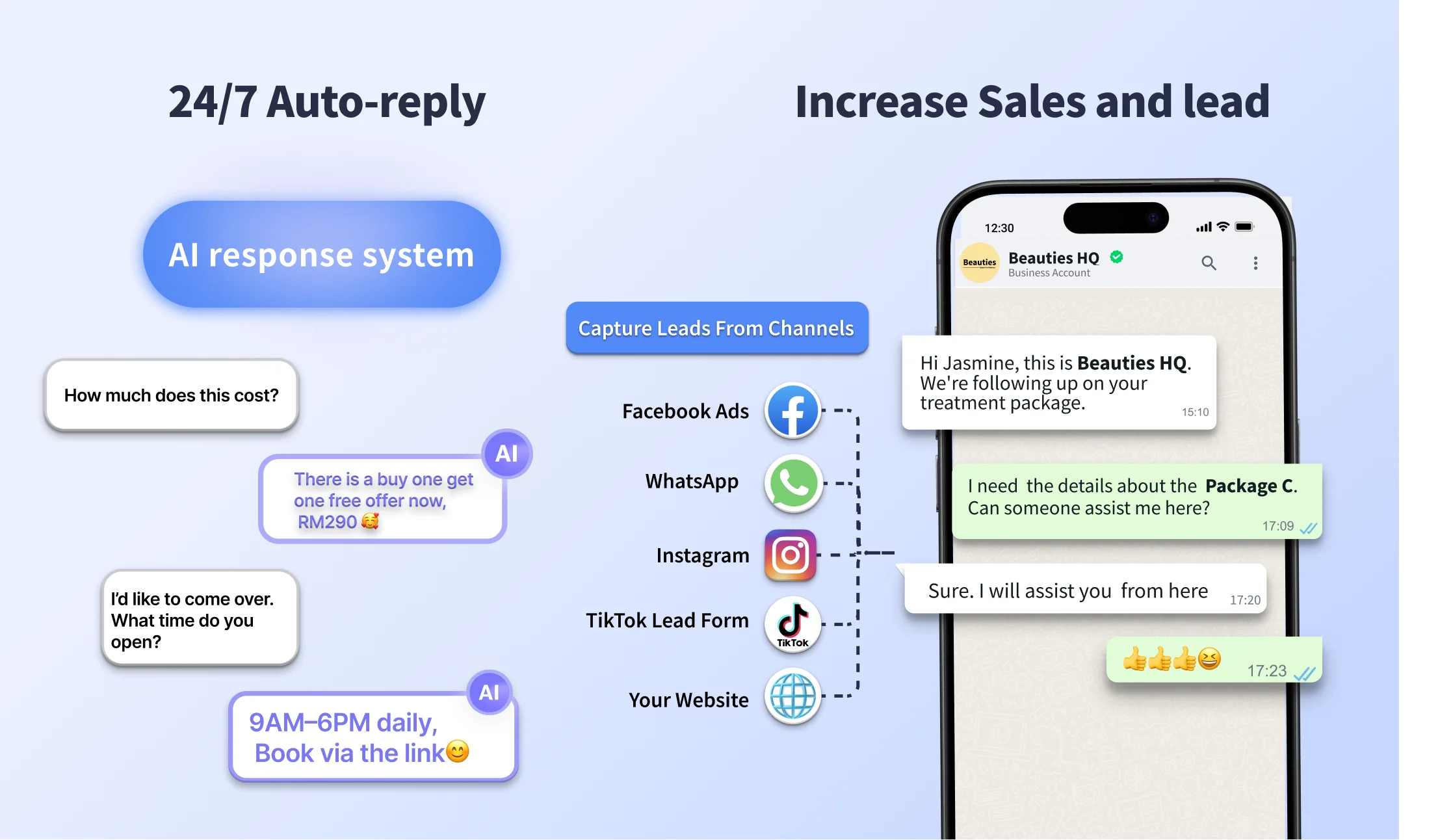
Step-by-Step Guide to Setting Up an AI Chatbot in Malaysia
Step 1: Define Your AI Chatbot’s Purpose
- Handle FAQs?
- Take online bookings?
- Qualify leads?
- Offer product recommendations?
- Connect users to a live agent?
👉 Example: A restaurant in Kuala Lumpur may want a chatbot that handles reservations, menu inquiries, and Google Maps directions.
Step 2: Choose Your Platform
Pick the platforms your customers use most. In Malaysia, these are typically:
- WhatsApp Business API
- WhatsApp Business
- Facebook Messenger
- Instagram DM
- Website Live Chat
- Telegram (popular for younger audiences)
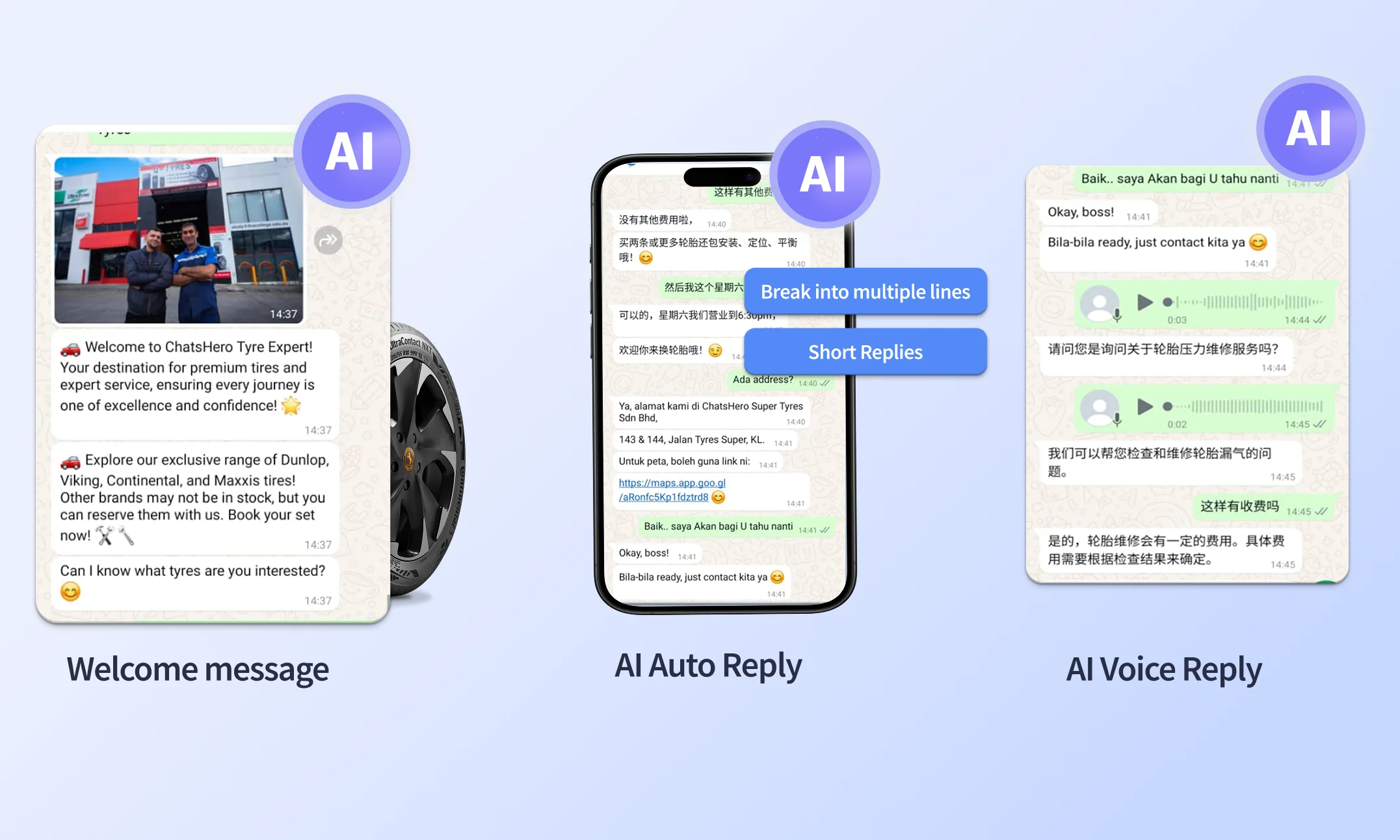
Step 3: Create the Chat Flow
- Welcome message
- Auto Reply
- Voice reply
You can build everything easily by using our smart AI templates, which help you set up professional, ready-to-use flows without starting from scratch.
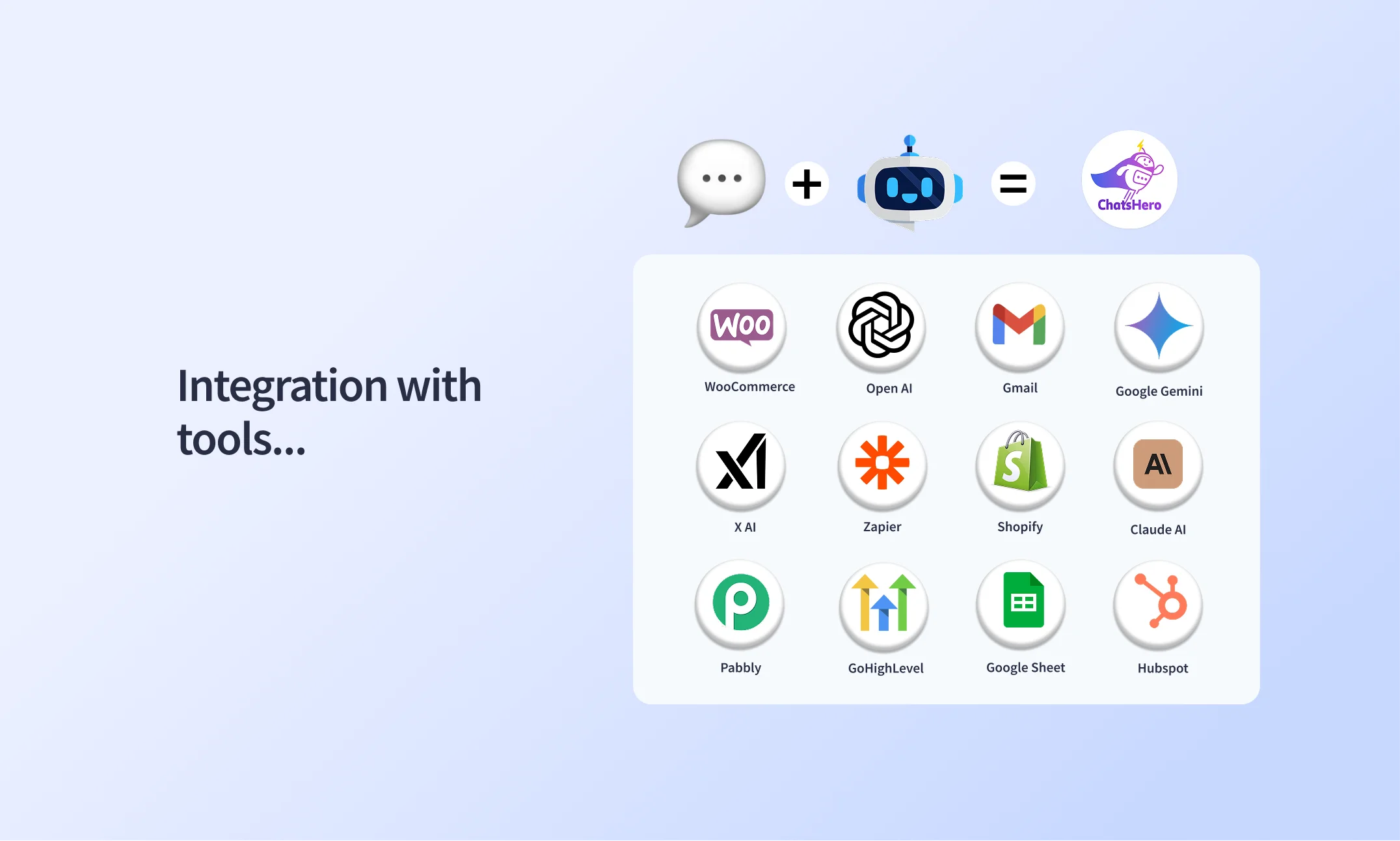
Step 4: Integrate with Tools (CRM, Calendar, Payments)
To maximize performance, integrate your chatbot with:
- Google Calendar (for appointments)
- CRM tools (like HubSpot, Zoho, or a local CRM)
- Payment gateways (RazerPay, iPay88, Stripe, or FPX for local banks)
- Email/SMS API for alerts or follow-ups
Step 5: Test Your Chatbot
- Try common and uncommon user responses
- Check for broken links or wrong data
- Confirm calendar or booking syncs
- Test on both desktop and mobile devices
Use test users to simulate real customer behavior.
Step 6: Launch and Promote
Once your chatbot is working, launch it by:
- Linking it to your Facebook page or WhatsApp number
- Using a “Click to WhatsApp” ad for lead generation
- Promoting it via QR codes, ads, or social media banners
- Adding a chat widget to your website
Step 7: Monitor, Optimize & Train
- Refine conversation flows
- Train the AI for better intent recognition
Conclusion
In conclusion, setting up a chatbot for your business in Malaysia is no longer optional but it's essential. With rising customer expectations, shorter attention spans, and mobile-first habits, chatbots offer the perfect way to provide fast, friendly, and efficient service around the clock.
Whether you’re booking appointments, handling FAQs, or capturing leads, AI-powered chatbots can transform how you engage with your audience. The best part? You don’t need to be a developer to start.
Frequently Ask Questions
1. Why should I use a chatbot for my business in Malaysia?
Chatbots help Malaysian businesses provide 24/7 customer service, automate responses, and handle tasks like bookings and inquiries meanwhile reducing workload and improving efficiency.
2. Can I personalize chatbot messages?
Yes. You can personalize greetings, responses, and follow-ups using customer data.
3. Can I add video, images and buttons?
Yes. Most builders allow images, carousels, quick reply buttons, and videos.
4. Can I delete user data after a session?
Yes. You can set chat history deletion or anonymization settings depending on privacy rules and terms.